Reach anyone through your network.
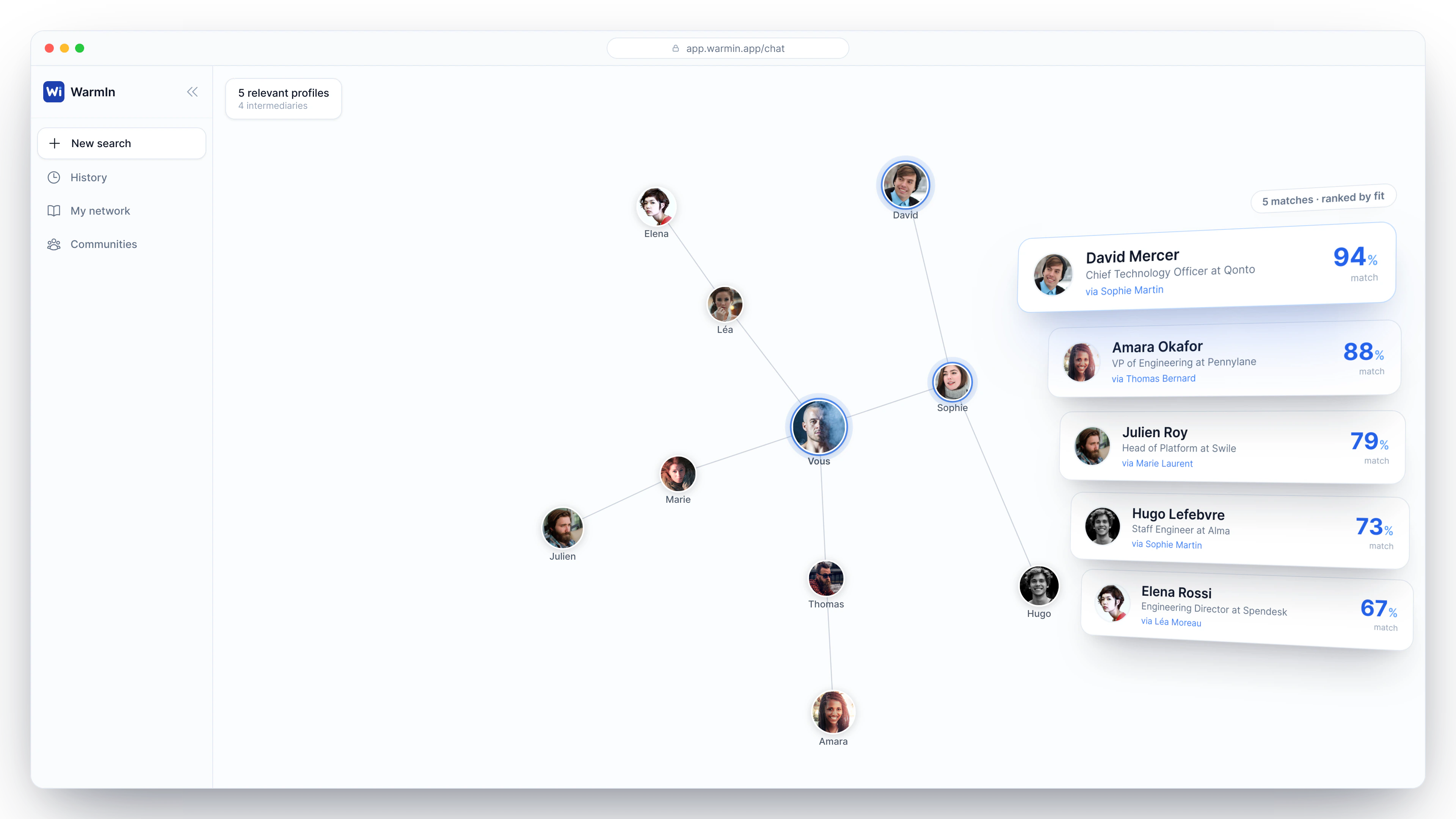
WarmIn maps your LinkedIn network two degrees deep. Describe the person you're looking for, and we find the most direct path to reach them through someone you already know.
Frequently asked questions
Does this comply with LinkedIn's terms?
WarmIn relies on your own session, just like your browser does. Your network stays yours — WarmIn only reads what it needs to compute a path, never a bulk export of your contacts.
What data do you see?
Only what's needed to compute a path: the name, job title, and public photo of your connections. Never your messages or your password.
Do I need an account?
Yes, a free account is enough to connect LinkedIn and start your searches.
Is it free?
The extension and search are free.
Which browsers are supported?
Chrome, Firefox, and any Chromium-based browser (Edge, Brave, Arc).
Your network is bigger than you think.
Add the WarmIn extension and discover who in your network can open the right door for you.
Cold outreach doesn't work anymore.
Stop sending messages into the void. Go through the people who already trust you.
Install the extension
Add WarmIn to Chrome or Firefox in 30 seconds.
Describe who you're looking for
A CTO in fintech? An early-stage investor? Someone at your dream company? Describe them in plain words. WarmIn searches your network — your connections and their connections.
Get a warm intro
WarmIn identifies the connection who knows your target and makes the introduction easy.